
How to generate strong passwords and passphrases
A generator, dice or a phrase you make up: these methods offer different protection. Learn how to choose a format, get real randomness and keep access to your accounts.
 Getting started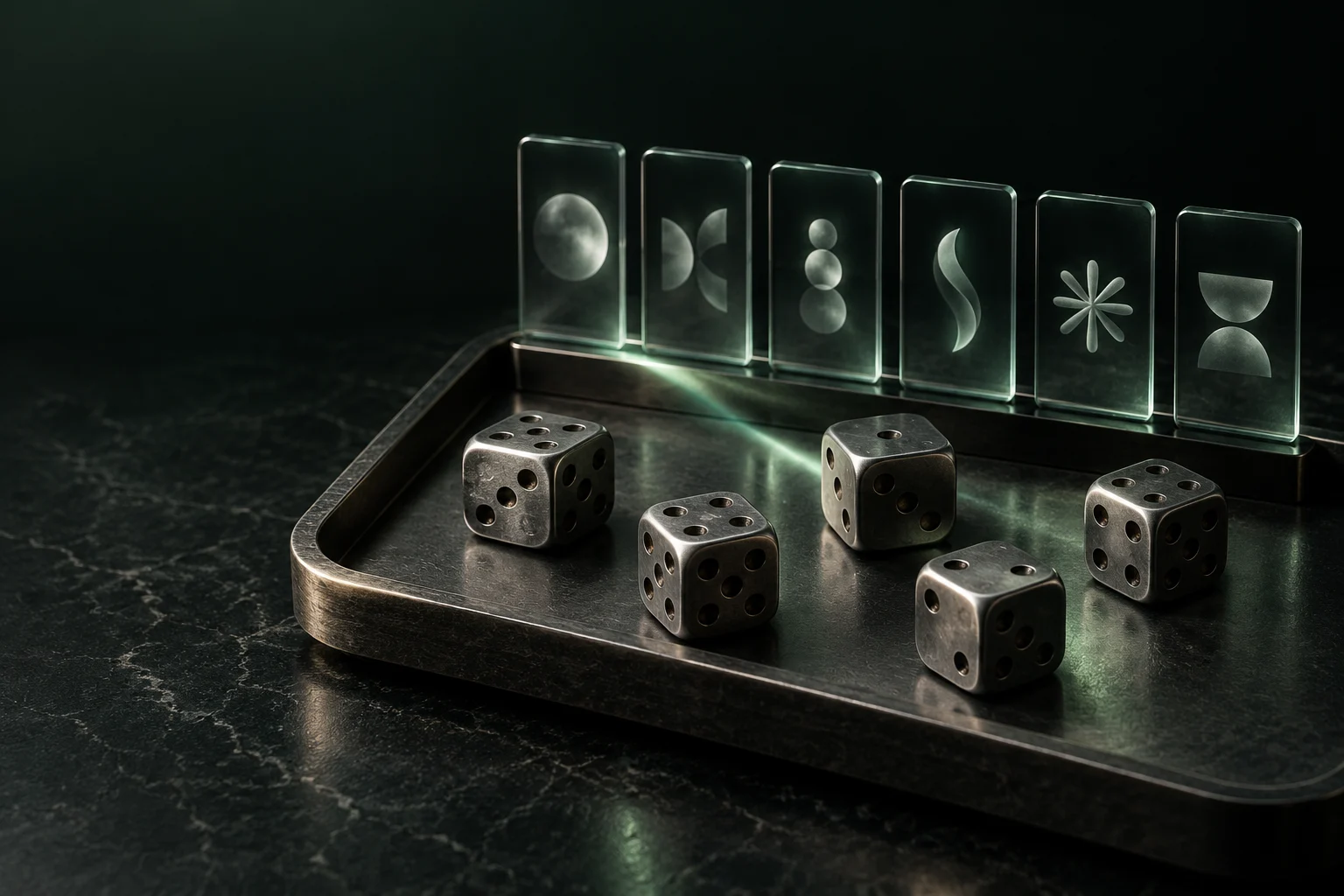
Original AI-generated illustration · SecuFocus
At a glance
Key points
For everyday accounts, generate a different password in your manager, ideally 20 random characters or more where the service allows it. For the secret you must remember, use several independently selected random words. Six words from a 7,776-entry list are a useful starting point. Every example in this article is public: never use it as your own password.
The password that only looks complicated
A dog’s name, a year and an exclamation mark may be enough to satisfy a site’s password-strength meter. Replacing a letter with a symbol can improve the score without making the result much less predictable to an attacker.
We tend to choose familiar words, dates and substitutions that are easy to remember. A password generator avoids those preferences. It also lets you create an independent secret for each account, so a shop’s data breach does not hand over access to your email.
Guessing, reusing and stealing are different problems
An online attempt goes through the service’s sign-in form. The service can slow attempts and require a second factor. An offline attack might start with a stolen database of password hashes. The attacker works on a copy: the sign-in form, its delays and its two-factor checks are no longer in that path. The cost of a guess depends in part on the password derivation function.
Reuse bypasses some of that work. A known email and password pair can simply be tried on other services. A fake sign-in form can also obtain an excellent password directly. Length addresses guessing; uniqueness limits the damage from a breach; phishing-resistant authentication addresses another threat again.
Choose the format for the way you will use it
Choose the format based on how you enter it. A password filled by your manager can be a hard-to-read string. One you type after a restart needs to be manageable without drawing on your personal life. A passphrase is still a password: its strength depends on randomness and length, not its name.
The 20-character guideline below is our editorial recommendation, not a guarantee or a universal requirement. NIST SP 800-63B-4 requires services within its scope to use a minimum of 15 characters for single-factor passwords, or 8 when the password is part of multifactor authentication. Those minimums are not an ideal target for protecting an offline vault.
| Use | Suggested approach |
|---|---|
| Account filled by a manager | 20 random characters or more, unique to the account. Fit the alphabet to the site’s actual restrictions. |
| Master password you must remember | Six independently drawn words from a 7,776-word list, or a method with a comparable margin. |
| Service with a short limit | Use the largest reasonable accepted length, enable a second factor and avoid concentrating sensitive data there. |
| Local phone unlock code | Consider the device’s protections. A local PIN with hardware protection and attempt limits is not evaluated like a website password. |
Generate the secret, then change the right account
Prefer the generator inside a reputable password manager installed from its official source. This reduces handling and the risk of losing the result between applications. A security generator relies on cryptographic randomness; a string that looks messy on screen is not evidence of that quality.
Do not send a real secret to a chatbot, search engine or random password-strength website. This guide provides illustrations, never passwords to adopt. Avoid a homemade recipe such as “website name plus secret formula”: one compromised account may reveal the recipe.
- Open the account’s official website yourself and find its password-change page. Make sure the current access is still available.
- Choose a generous length and an accepted character set in the vault’s generator. Let it draw the result without replacing it with a prettier variation.
- Associate the result with the correct item and domain. Complete the change on the website too: editing the vault alone does not change the account.
- Try a fresh sign-in before closing your existing session. Check access from the other device you normally use.
- Enable the offered second factor and keep its recovery codes somewhere that remains accessible if you lose your phone.
Examples to understand, never to copy
Every string below is published and therefore unsuitable as a personal secret. The word sequences illustrate a format; we do not claim they are verified outputs from a random draw. Anyone reading this page already knows all these examples.
| Public example | What it demonstrates |
|---|---|
| Sunshine2026! | A capital letter, a year and a symbol do not hide a predictable construction. |
| MyC@tIsAd0rable! | Common substitutions do not turn a phrase into a random secret. |
| vR7!qN2#xT9@kP4$zL6% | The appearance of a 20-character password. Appearance alone cannot establish its entropy. |
| pebble velvet compass cactus cloud turbine | The appearance of a six-word passphrase. Strength would come from the independent draw, not this already-public sequence. |
| IDrinkACoffeeEveryMorning | A long natural sentence is very different from independently selected random words. |
Make a passphrase with real dice
Diceware maps dice results to words. Five six-sided dice have 6⁵ = 7,776 possible outcomes. A suitable list assigns one word to each outcome. EFF supplies a long list and recommends at least six words for this method.
The language mainly affects how comfortable the phrase is to use. For a different list, check its provenance, size and lack of duplicate entries. Do not assign a 7,776-word list’s numbers to a shorter list. A public dictionary is not a weakness: the secret belongs in the random draw, not in concealing the dictionary.
- Choose the list before rolling and decide the order in which to read the five results.
- Roll five dice, or roll one die five times. Look up the word assigned to those five digits.
- Repeat until you have six words, preserving their order and any repetitions.
- Do not reroll to create a more logical sentence. Invent a memory story after the draw, if that helps.
- Choose a compatible separator and prepare a protected recovery copy. A fixed separator helps typing; it adds no randomness.
The numbers, with their assumptions attached
Entropy here measures the choices available in an ideal procedure. For n characters drawn uniformly and independently from an alphabet of A symbols: H = n × log₂(A). For k words from a list containing W entries: H = k × log₂(W). One extra bit doubles the space of possibilities.
These calculations assume reliable, unbiased draws with no human selection afterwards. They do not describe an invented sentence or a public example. An attacker may know the method and the list; that is the prudent assumption. The values below are our calculations from those conditions, not measured product resistance.
| Ideal procedure | Calculated entropy |
|---|---|
| 20 characters from 62: lowercase letters, uppercase letters and digits | 20 × log₂(62) ≈ 119.1 bits |
| 4 words from 7,776 | 4 × log₂(7,776) ≈ 51.7 bits |
| 6 words from 7,776 | 6 × log₂(7,776) ≈ 77.5 bits |
| 7 words from 7,776 | 7 × log₂(7,776) ≈ 90.5 bits |
1Password and Bitwarden: two possible workflows
Both tools offer generators and can store the results. Bitwarden lets you configure a passphrase’s word count and separator. In 1Password, generation is available from a login item or the browser extension, among other places. Labels vary by platform; the documentation below describes current workflows.
Choose the vault whose locking, filling and recovery you understand. Before changing your master password, prepare the new secret and the recovery arrangements. Protection also depends on the manager’s architecture: our tool pages explain 1Password’s Secret Key and Bitwarden’s key derivation.
Keep a way back in
A vault concentrates important access. Recovery should not depend on one device. Imagine your phone is lost, the vault is locked, and the recovery email’s password exists only inside that vault. Each part is waiting for another. Adding protections without examining those dependencies can lock you out.
A paper copy stored in a physically protected place can be part of a personal plan. That is different from a sticky note on the screen. Decide who can reach it and what changes after a move or separation. Avoid recovery photos automatically uploaded to a shared photo library. If you export a vault, inspect its format and encryption before calling it a backup.
Which passwords should you replace first?
A strong secret does not clean an infected computer or revoke an already-stolen session. Keep devices and your manager updated, check the domain before entering a secret, and review active sessions if you suspect a compromise. Where a service supports a passkey, consider it: a service-bound key pair replaces a shared secret that can be copied into a form, providing phishing resistance. You still need to understand synchronisation and recovery.
Replace exposed, reused or suspect passwords first, starting with your email and vault. Generate a fresh secret for each change. NIST advises services against imposing periodic password changes without evidence of compromise: a strong password does not need replacing every month.
Frequently asked questions
Practical questions
Can I choose the words in my passphrase myself?
Words you choose may follow a quote, a habit or a predictable association. Random selection avoids that bias. If you use dice, follow a suitable word list and keep every result, even when the words sound odd.
Read more: Make a passphrase with real dice- EFF: dice-generated passphrases ↗
- EFF : New Wordlists for Random Passphrases ↗
- Arnold G. Reinhold : The Diceware Passphrase Home Page ↗
Can I use a password example from this guide?
No. A published example is public and must not protect an account. Generate your own secret on your device or in your password manager, then save it before replacing the old one.
Read more: Examples to understand, never to copy- NIST: SP 800-63B-4, passwords ↗
- Bitwarden: password and passphrase generator ↗
- 1Password: generate and change a password ↗
Check and explore
Sources for this article
Numbers connect each reference to the passages that use it. Dates show when the documentation was consulted.
- OWASP: password storage and offline attacks ↗cheatsheetseries.owasp.org ·
- Arnold G. Reinhold : The Diceware Passphrase Home Page ↗theworld.com ·Used in:Make a passphrase with real dice
This article draws on the sources above. The exercises are for you to try on your devices; SecuFocus does not present them as tests carried out by its editorial team. Interfaces and features can change. Method and corrections.
Cite this article
Keep this reference with the article when you save or share it.