
Self-hosting or cloud: who protects the data, who maintains the service?
NAS, VPS or managed service: what self-hosting changes for security, privacy, backups and maintenance time.
 Going deeper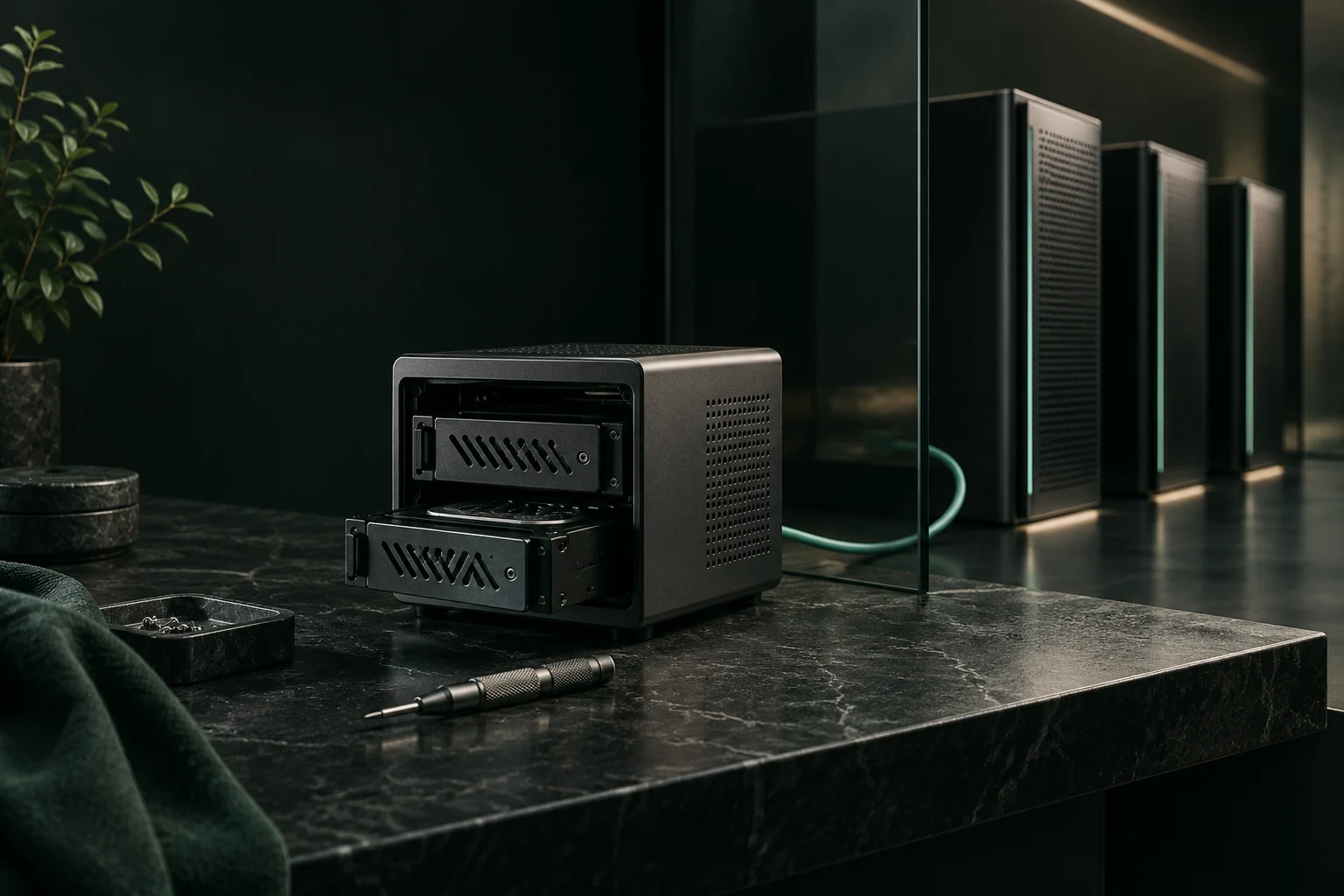
Original AI-generated illustration · SecuFocus
At a glance
Key points
With a server at home, you choose the software, access rules and backups. You also take responsibility for patches and outages. A managed cloud takes on some of that work; who can access the data depends on the service and its encryption. Consider each use separately.
Who fixes the server while you are away?
Your photos sync to a server at home. Then an update fails just before a holiday: who restores access to the albums? That is the kind of outage to plan for before replacing a cloud service several people depend on.
Self-hosting can reduce the number of intermediaries able to access your data. You can choose the software, understand its settings and leave a subscription that no longer suits you. Those gains depend on the installation and the habits around it. A forgotten server, an unreadable backup or a public administration panel can leave you less protected than a properly managed service.
Start with the data you want to host and the time you can devote to administration. Wanting to learn also counts, provided you accept the trial and error involved. The examples in this article help you choose a setup; they are not reports of servers tested by SecuFocus.
NAS, VPS, managed cloud: who does what?
Cloud covers very different services. Renting a virtual machine does not mean someone will patch your application. With an infrastructure service such as an EC2 instance, the provider operates the underlying infrastructure, while the customer remains responsible for the guest operating system, applications and configuration. The boundary changes with the service purchased.
A server at home and a rented server therefore both require administration. Renting removes some hardware and power concerns but introduces an infrastructure provider. A managed application delegates more work. Check the contract and recovery features: the word managed does not tell you who will restore an accidentally deleted folder.
| Model | Your responsibilities |
|---|---|
| NAS or mini-PC at home | Hardware, power, drives, system, applications, access and backups. You control the physical location. |
| Rented virtual private server (VPS) | System, applications, accounts, network exposure and backups. The provider controls the underlying infrastructure. |
| Managed open-source application | Accounts, sharing and exports. Maintenance depends on the contract; examine the operator’s ability to read data. |
| Ready-to-use cloud service | Your devices, accounts, sharing settings and recovery arrangements. Most daily operation is delegated. |
Security and privacy do not always improve together
Confidentiality concerns who can read information. Integrity concerns unwanted changes. Availability concerns whether you can retrieve information when you need it. An unplugged drive can be discreet and completely useless when you need a document abroad. An always-available service may analyse information you would have preferred to keep private.
Consider a family photo library. Keeping it at home can avoid entrusting its contents to a platform that offers other uses for your images. But if the only administrator reuses a password, removing intermediaries does not compensate for the weak account. Conversely, a managed application with strong authentication may withstand account attacks better while still allowing its operator technical access to the photos.
Name the threat first. Are you trying to limit commercial profiling, avoid data loss, reduce the consequences of a stolen computer or prevent an administrator from reading certain documents? One label, whether sovereign, private or at home, cannot answer all four questions.
Where are the files and who holds the keys?
Encryption at rest protects storage media in particular. It does not necessarily remove the service’s ability to decrypt. The French data protection authority distinguishes protection according to key management and the processing required by the provider. A service that decrypts documents to process them has access to plaintext at that point.
That is why a vault encrypted on your device before synchronisation can be useful even on cloud storage. Conversely, installing an application yourself on a VPS does not by itself exclude the infrastructure administrator. Privileges, keys and data handled in memory matter more than having your name on the login screen.
Cryptomator aims to protect file contents and names in remote storage but does not hide all metadata. File sizes, counts or timestamps may remain observable. It also cannot protect an open document from malware on your computer. A practical choice is often to encrypt sensitive folders while keeping easily shared files in a separate workflow.
A private service does not need a public entrance
For an application used only at home, a local network is the simplest starting point. For access while travelling, a properly configured private connection can avoid publishing every application directly. That reduces exposure; authentication and patches remain necessary, and the private access system itself needs maintenance.
A public website needs a different arrangement. TLS protects the connection, not application mistakes. Separate visitor access from administration, limit account privileges and close unnecessary services. Restricting an administration console to authorised people is more useful than randomly changing a port number.
Self-hosting does not stop every outgoing connection either. Nextcloud documents contacts associated with features such as updates, applications and notifications. Inventory those dependencies and their settings. Blindly disabling update checks to reduce connections can remove valuable security information.
The work left after a Docker installation
A deployment file may launch an application in minutes. That does not make the container a service maintained by someone else. Docker documents several protection mechanisms, but containers share the host kernel and access to the engine can confer considerable privileges. Avoid granting broad permissions merely to make an error disappear.
The lasting work is knowing what is installed, which versions are supported, where alerts arrive and how to recover a usable state. An update may migrate a database: switching back to the previous container image may not reverse it. Read release notes and arrange a consistent backup before a migration.
The schedule below is a suggested routine. Adapt it to the application, its exposure and the severity of alerts. A critical vulnerability being exploited against an exposed service should not wait until your next free Saturday.
| When | Work to plan |
|---|---|
| On an important alert | Check whether the installed version is affected; patch it or temporarily restrict access. |
| Regularly, for example weekly | Check backup execution, free space, failed logins and whether alerts actually reach you. |
| Before a major update | Read changes, back up data and configuration, and plan a maintenance window and recovery path. |
| At a chosen interval, for example quarterly | Restore in a separate environment, review accounts and check recovery instructions. |
The photo directory is not the whole application
Immich provides a clear example: recovery requires both the photo and video files and the database. Its automatic database backups do not include the media. You need a consistent copy of both. Read the instructions for your installed version before moving a photo library.
Nextcloud’s documentation requires configuration, data, the database, themes and any custom applications. Saving only the directory visible in your browser may therefore fail to reconstruct the service.
A RAID mirror helps with certain drive failures but also reproduces deletions. Synchronisation can propagate a file encrypted by ransomware. A snapshot reachable through the same administrator account can be deleted in the same incident. CISA recommends offline encrypted backups and regular recovery tests. For a household, the important idea is independence of the copy and its access, rather than collecting backup product logos.
Keep a copy outside the home for theft, fire or water damage. Encrypt it before upload if the recipient should not read it. Store recovery material separately from the server: a key kept only on the missing machine will not reopen its backup.
Restore the service on another machine
Choose an understandable target. In this fictional example, you want to lose at most one day of changes and retrieve essential documents within one day. The first is the recovery point objective, often called RPO. The second is the recovery time objective, or RTO. These are targets to verify, not performance guaranteed by purchasing a NAS.
Create a small sample folder containing a photo, a document and an application-specific item such as an album. Back it up, then restore it in a separate environment without touching the running installation. Check contents, permissions and relationships between items. Measure the actual time, including downloads and finding the password.
Note any obstacles: a missing extension, an incompatible database version, a forgotten secret or a volume that takes too long to download. Repeat the exercise after a major change. If recovery takes three days but you need the data that evening, revise the backup setup or the delay you can accept.
What does it cost once the hardware is installed?
To illustrate the budget, assume equipment costing CHF 500 spread over five years, average power use of 15 W, electricity at CHF 0.30/kWh, remote backup at CHF 60 a year and a domain at CHF 15. These are calculation assumptions, not prices collected from Swiss providers.
Electricity then amounts to 15 × 24 × 365 / 1,000 = 131.4 kWh, or CHF 39.42 annually. Adding CHF 100 for hardware depreciation, backup and domain gives CHF 214.42 a year, roughly CHF 17.87 a month. Replace every assumption with your own bill. Drive wear, a backup power supply, additional capacity and initial installation can add costs.
Above all, add your time. One hour a month already means twelve hours a year, without unexpected troubleshooting. For an enthusiast, that can be a hobby. For someone who just wants access to documents, it can be a burden. A subscription with a higher sticker price may therefore be sensible; a home server may be worthwhile even without financial savings.
Photos, documents, passwords: do not migrate everything at once
A photo library is a good project if you are willing to maintain the application, preserve originals and test recovery. Start with a copy of a limited set of photos. Check dates, albums, videos and how your family uses them. A successful first import does not yet prove that everyone can abandon the previous system.
For documents, a managed open-source service can offer a compromise: you choose an operator and software with less daily administration. Ask how exports, recovery and account closure work. If the provider can read files, treat that ability as a service characteristic and separately encrypt anything requiring stronger confidentiality.
A password vault deserves particularly careful availability and recovery planning. If its failure also prevents you from retrieving the credentials needed to repair it, you have created a circular dependency. When learning, begin with a service whose outage is acceptable, such as a feed reader or a collection of test documents. The number of applications you host is not a measure of independence.
Keep some services in the cloud
Imagine a household keeping its main photo library at home, using a managed cloud for everyday documents and sending an encrypted backup to a separate provider. Highly sensitive files are encrypted on devices before synchronisation. Each component serves a specific purpose: viewing, sharing, content protection or disaster recovery.
This arrangement does not succeed because it is complex. It works only if its boundaries are understood. Which account can delete the remote copy? Who knows the recovery secret? What remains accessible during a home Internet outage? A single account able to destroy every copy undermines much of the separation.
Write those dependencies on one page. If nobody else can understand it, simplify. The best arrangement for your family is also one they can continue using while you are unavailable.
Export data before changing services
An open format and a complete export give you room to move. Check what the export actually preserves: originals, dates, folders, comments, sharing or history. An export button says little about the work needed to reconstruct those things somewhere else.
Prepare short recovery instructions too: where copies are kept, how to decrypt them, which service to restore first and who can help. Do not gather secrets in a public document or keep them only inside the system being repaired. Treat any temporary plaintext export as a new sensitive copy.
Hosting in Switzerland does not settle every legal question. The operating company, subcontractors, technical access and keys also deserve attention. Our AI Act and CLOUD Act feature explains why a drive’s location cannot fully describe legal access to its data.
A month-long trial before entrusting essential data
Try one service for a month with copies of non-sensitive data. Keep your current solution running. Beyond installation, this gives you time to see how updates, monitoring and a restore work out.
- Week 1: install within a limited scope, inventory access and document dependencies. There is no need to make the service public immediately.
- Week 2: configure backups and check that alerts actually arrive. Measure time spent on administration.
- Week 3: perform a documented update and an isolated restore. Correct missing recovery instructions.
- Week 4: let the person who will depend on the service use it. Test an export and a scenario in which the administrator is unavailable.
Frequently asked questions
Practical questions
Do I need to open a port for remote file access?
It is not the only option. VPN access can limit direct exposure of the service, but it also needs configuration and maintenance. Decide who needs remote access and avoid exposing an administration interface without a reason.
Read more: A private service does not need a public entrance #Link to this answerIs copying the photos folder enough to back up a photo library?
Not always. The application may also depend on a database and its configuration. Back up the elements listed in its documentation and verify a complete restore on another machine.
Read more: The photo directory is not the whole application- Immich · Sauvegarde et restauration / Backup and restore ↗
- Nextcloud · Sauvegarde / Backup ↗
- CISA · StopRansomware Guide ↗
Check and explore
Sources for this article
Numbers connect each reference to the passages that use it. Dates show when the documentation was consulted.
- Docker · Sécurité du moteur / Engine security ↗docs.docker.com ·
- Nextcloud · Sauvegarde / Backup ↗docs.nextcloud.com ·
- Cryptomator · Objectifs et limites de sécurité / Security target ↗docs.cryptomator.org ·
This article draws on the sources above. The exercises are for you to try on your devices; SecuFocus does not present them as tests carried out by its editorial team. Interfaces and features can change. Method and corrections.
Cite this article
Keep this reference with the article when you save or share it.