
Pi-hole and AdGuard Home: filter your network without breaking it
Set up home DNS filtering, verify what it blocks and prepare for failures: a practical guide to Pi-hole and AdGuard Home, including their limitations.
 Getting started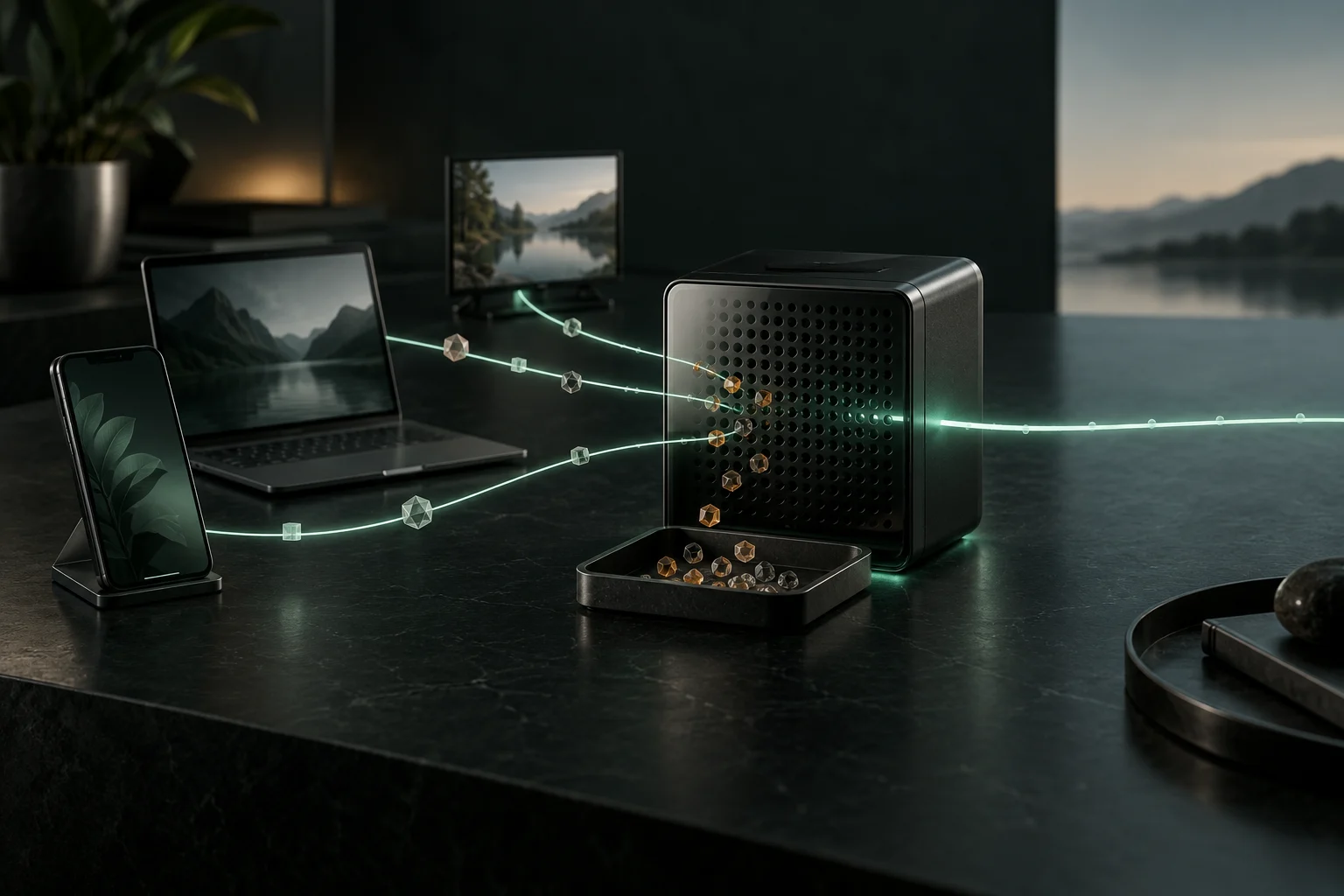
Original AI-generated illustration · SecuFocus
At a glance
Key points
Pi-hole and AdGuard Home can reject DNS lookups before devices contact advertising, tracking or malicious domains on your lists. That can help with a TV or an application where browser extensions are unavailable. Results depend on which DNS servers devices actually use, the lists you choose and your ability to maintain a service the network will rely on.
What passes through the filter
When a device looks up a domain, it asks DNS how to reach it. Pi-hole or AdGuard Home receives that request and applies its rules. For an allowed name, it uses cached information or asks an upstream resolver. For a blocked name, it returns a blocking response whose form depends on the selected setting.
The web page, video and files generally do not pass through this DNS filter. Once it has an address, the device contacts the service directly. This is neither a VPN nor a proxy inspecting all household content. Installing the software is also insufficient: devices must actually send their lookups to it.
What you can expect to block
Filtering helps when an advert or tracker depends on a separate domain you can refuse without breaking the main service. It is much less selective when adverts and content share a domain. A plain DNS filter cannot remove a particular page element or a path inside an HTTPS URL.
AdGuard Home’s documentation lists YouTube and Twitch adverts, along with sponsored social posts, among the limitations. Be wary of lists promising to remove everything. A browser extension can act inside a page at another layer, but that does not cover a TV or native application in the same way.
An application can also use a cached address, contact an IP directly or choose another resolver. Allowed domains can still collect data. A high blocked-request percentage measures neither anonymity nor the disappearance of every tracker.
Prepare a machine that will stay on
A small computer, virtual machine or existing server can host the filter. Pi-hole does not require a Raspberry Pi: its documentation lists supported Linux distributions and specifies 512 MB of RAM plus at least 2 GB of free space, with 4 GB recommended. These prerequisites are not a capacity guarantee for every query volume or logging policy.
Use a stable machine, preferably wired, that recovers properly after a power cut. A laptop that leaves for work or goes to sleep is a poor household DNS server. Reserve an address through the router’s DHCP service or configure a suitable static address.
The examples below use 192.168.1.10 for the filter. Substitute your actual address; do not copy it if your network uses a different range or it is already assigned. Record the router address and current DNS settings before changing anything.
Start with one filter
Choose Pi-hole or AdGuard Home and follow the official instructions for your operating system, linked below. A native installation avoids learning container networking immediately. Docker is suitable if you understand persistent data, interfaces and published ports.
Both services normally listen for DNS on port 53 over UDP and TCP. They cannot occupy the same address and port simultaneously. To compare them on one network, use separate machines or addresses and explicitly select which server your test device queries.
Set a unique administration password, choose an upstream resolver and begin with a small selection of lists. DNS should be reachable from the intended local networks. Administration should be limited to trusted devices. No Internet port forwarding is required for local household use.
Try one device first
Before changing the router, manually set a personal computer’s DNS to the filter address. Record the previous setting. Try everyday tasks: signing in, playing a video, downloading, messaging and a service you need for work. A dashboard counting requests does not establish that your applications work.
To check the path, open a terminal or Command Prompt and use the checks below if nslookup is available. The direct request tests the specified server. The request without an address tests the resolver this utility uses by default, which does not prove that a browser with its own DNS configuration follows the same path.
For a harmless blocking check, temporarily deny the exact domain example.com and query it directly. Pi-hole supports an exact domain entry; AdGuard Home provides custom rules. Check the query log to confirm your rule caused the denial, then remove it. A response of 0.0.0.0, :: or NXDOMAIN depends on the blocking mode; there is no universal response.
| Check | What it establishes |
|---|---|
| nslookup example.com 192.168.1.10 | The filter answers a DNS request sent directly to its IP. |
| nslookup example.com | The displayed server is the resolver this utility uses. |
| Query log | An example.com lookup appears at the test time with the expected decision. |
Roll it out without changing everything at once
The usual approach is to have the router’s DHCP service advertise the filter address. Devices can query it directly after renewing their network configuration. Some routers only expose an upstream DNS setting: devices still ask the router, which forwards requests. The filter may then mainly see the router address, reducing the usefulness of per-device rules.
If the router cannot advertise your chosen DNS server but can disable its DHCP service, Pi-hole or AdGuard Home can take over DHCP. Prepare the address pool, gateway and reservations before switching. Two uncoordinated DHCP servers can distribute conflicting settings. AdGuard Home does not provide DHCP on Windows.
A DHCP change does not instantly reconfigure every device. Renew the connection or lease, then verify several device types. Keep administration reachable by IP so it does not depend on the DNS service you are changing.
IPv6, encrypted DNS and VPNs: follow the actual path
Checking only the DNS address received through IPv4 DHCP is insufficient. A device can learn another resolver over IPv6, including through router advertisements. Inspect effective DNS settings on devices and the router’s IPv6 options. The aim is a consistent path, without routinely disabling an address family.
A browser using an external DNS-over-HTTPS service, a phone with Private DNS or a VPN enforcing its own resolver can bypass home filtering. Mozilla documents several DoH protection levels with different behaviour. Make the choice deliberately. Removing a privacy protection just to increase the blocking counter is not automatically an improvement.
You can use encrypted DNS to your own service where client support and configuration allow it. Away from home, a personal VPN into the network can also provide access to the filter. Both need additional setup. Simply forwarding port 53 from the Internet is not the way to restore filtering on your phone.
When an application stops working
A video endlessly buffering or a failed sign-in may be a false positive. Reproduce the problem on an identified device and inspect requests blocked at that time. If needed, briefly disable filtering within a limited scope to compare, then immediately restore it. A diagnostic test should not become a permanent household-wide exception.
Allow the necessary domain as precisely as possible and record why. A broad parent-domain allowance can restore many more services than intended. Avoid stacking aggressive lists at the outset: importing a long list is easy, tracing an intermittent failure is much harder.
An unfamiliar domain is not automatically malicious. It may handle authentication, updates or content delivery. Base the decision on its role and the test result, not on how strange its name looks.
DNS logs also contain other people’s activity
The local filter becomes an observation point: requested names, times, devices and frequency. This can reveal services and habits. It is not a reliable browsing history, however: applications work in the background, pages contact third-party domains and caches eliminate some lookups. A request does not prove someone deliberately visited a page.
Explain to household members what is filtered and recorded. Retain detail only as long as needed for troubleshooting, restrict administration access and protect backups. Pi-hole offers privacy levels; AdGuard Home has separate query log and statistics settings. Masking an IP does not automatically anonymise all the remaining data.
Changing logging settings does not magically remove old files, exports or backups. Check what has already been retained. A filter introduced to reduce external collection should not casually become a detailed record of everyone’s activity.
Choose who receives allowed lookups
Allowed requests still need resolving. With an external DNS provider, that operator becomes a trusted party. Encrypting the connection to it protects that path against local or in-transit observation, but does not hide the names from the resolver itself. HTTPS to a website protects a different exchange.
AdGuard Home can use encrypted upstream resolvers directly. Pi-hole can use a local component such as dnscrypt-proxy. Unbound operating as a local recursive resolver serves another purpose: asking the DNS hierarchy instead of delegating all lookups to one public resolver. Ordinary recursion does not automatically encrypt traffic to authoritative servers. DNSSEC authenticates signed answers; it does not make them secret.
Plan for the day the filter stops
If the household’s only DNS server fails, many applications appear to lose Internet access even while the connection works. Keep a short recovery procedure: reach the router by IP, restore previous DNS settings, renew device configuration and repair the filter without time pressure.
Putting a public resolver second does not guarantee it is used only during failure. Depending on device behaviour, it may receive queries while the filter works. Availability may improve at the cost of inconsistent filtering. If you want two filtering DNS servers, configure two local instances with consistent rules and verify that clients use only those servers.
Two containers on one machine do not survive that machine stopping. Two servers on one power supply do not cover every outage. For a household, a rollback procedure another person understands can be more valuable than a redundant architecture only you can repair.
Maintain it without making it a second job
Back up settings, rules, reservations and the information needed for recovery. Check what the tool’s export contains: it may not include the host operating system, a separately installed DNS proxy or router configuration. Container data must persist when the container is replaced.
Keep the host and filter updated, read change notes, then verify DNS resolution, blocking and important applications. Pi-hole distinguishes native updates from Docker image updates. An updated list is not a substitute for updating the software that reads it.
After a few days, evaluate concrete results: which devices use the filter, what broke and can you restore it? If nobody can maintain this setup, browser-level protection or a managed filtering DNS service may be more suitable, with different privacy trade-offs.
Frequently asked questions
Practical questions
Can I add a public DNS service as a backup?
You can, but devices may also use it while the filter is working. A secondary DNS server is not necessarily reserved for failures. To keep filtering, use a second filtering resolver or prepare a temporary return to the router’s DNS.
Read more: Plan for the day the filter stops #Link to this answerCan DNS logs reveal household habits?
Yes. Requested domains, times and device identities can reveal patterns of use. They are not a complete history of visited pages. Limit retention and restrict access to the administration interface.
Read more: DNS logs also contain other people’s activity #Link to this answerCheck and explore
Sources for this article
Numbers connect each reference to the passages that use it. Dates show when the documentation was consulted.
- Pi-hole: installation prerequisites ↗docs.pi-hole.net ·
- Mozilla: DNS-over-HTTPS ↗support.mozilla.org ·
- Pi-hole: groups, clients and lists ↗docs.pi-hole.net ·
- Pi-hole: Docker deployment ↗docs.pi-hole.net ·
- AdGuard Home: configuration options ↗adguard-dns.io ·
- Pi-hole: recursive resolution with Unbound ↗docs.pi-hole.net ·
This article draws on the sources above. The exercises are for you to try on your devices; SecuFocus does not present them as tests carried out by its editorial team. Interfaces and features can change. Method and corrections.
Cite this article
Keep this reference with the article when you save or share it.