
Synology warns of ransomware targeting NAS devices left on old DSM versions
Synology says attackers are targeting outdated DSM systems using a flaw patched in December 2024. Check the NAS operating system, not just its applications.
 Going deeper
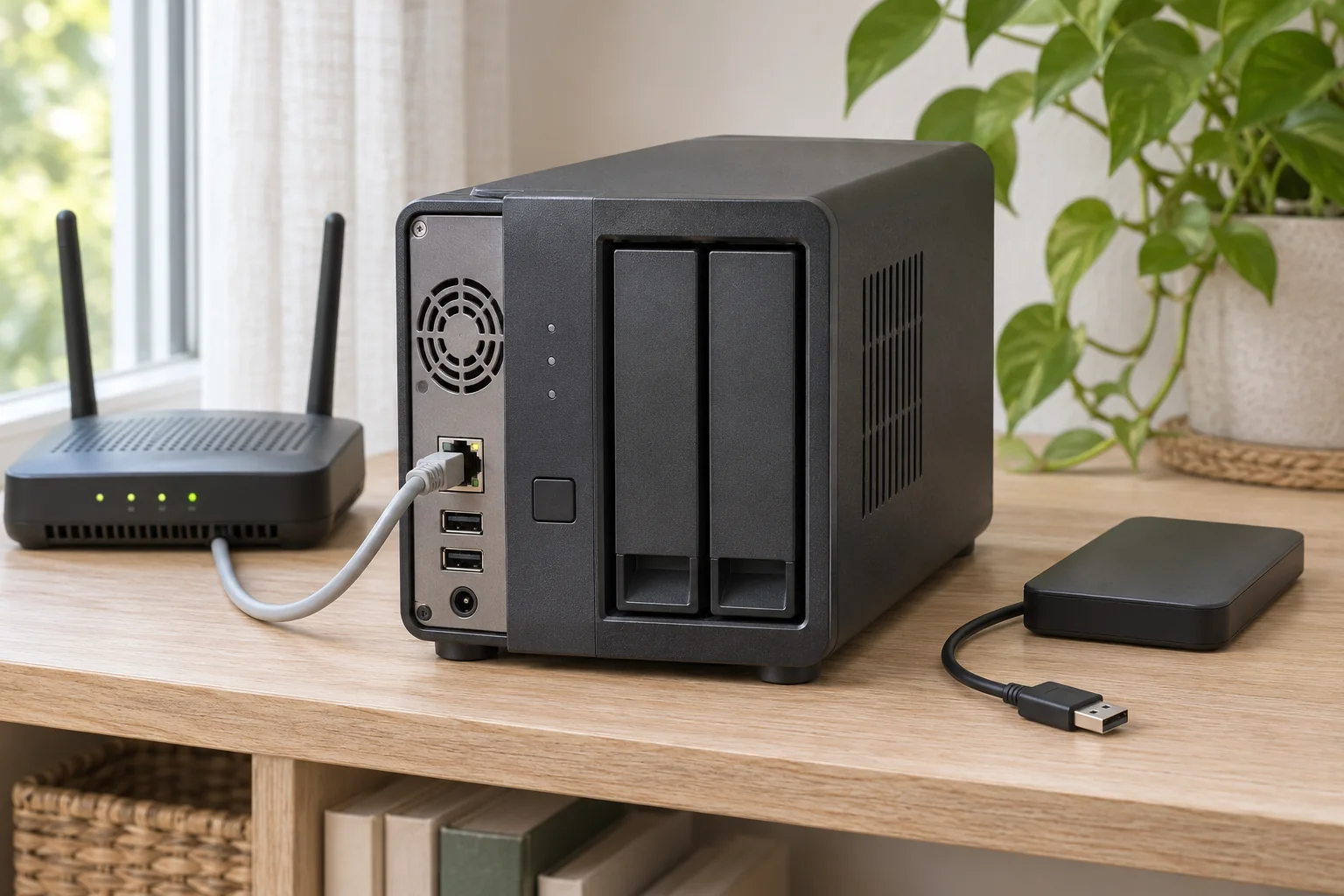
Generated image · SecuFocus
At a glance
Key points
If a Synology NAS holds your backups or working documents, check its update status. Synology’s October 29 notice confirms attacks intended to encrypt data on systems still running vulnerable DSM versions. The vendor points to a 2024 advisory and urges users to install the release appropriate for their hardware. A functioning storage device is not necessarily a protected one.
An old patch has become an immediate concern
Synology’s October 29, 2026 notice describes attackers exploiting a vulnerability patched in December 2024 to target devices running outdated DSM. The stated goal is to encrypt data and extort a ransom.
The vendor urges users of vulnerable releases to update immediately and enable automatic updates. Its short notice does not announce a previously unknown flaw. Failure to deploy an existing fix is part of the current exposure.
Check the operating system on the right NAS
Synology-SA-24:20 gives a separate fixed threshold for each branch. DSM 7.2.2 users are directed to 7.2.2-72806-1 or later; the DSM 7.2.1 threshold is 7.2.1-69057-6 or later. Other branches have their own entries in the vendor’s table.
These are minimum fixed versions in a historical advisory, not a recommendation to install an old release today. Identify the installed branch and NAS model, then check the compatible update Synology offers for that device. Updating an application does not establish that DSM itself is current.
The advisory covers several vulnerabilities. The new notice does not name a specific CVE, so that reference is not evidence that every listed flaw is being used in this campaign.
An update cannot tell you whether files were already affected
Patching closes an exposure. It does not prove that no intrusion occurred, or decrypt files already affected by ransomware. If you find encrypted data or a ransom demand, get incident-response help before a reset or restore that could erase evidence.
For prevention, also check that an independent backup can actually be restored. A copy reachable through the same access as the NAS should not be assumed to be a reliable last resort without review. SecuFocus has not examined your device or tested the campaign described by Synology.
Check and explore
Sources for this article
Numbers connect each reference to the passages that use it. Dates show when the documentation was consulted.
This article draws on the sources above. The exercises are for you to try on your devices; SecuFocus does not present them as tests carried out by its editorial team. Interfaces and features can change. Method and corrections.
Cite this article
Keep this reference with the article when you save or share it.